
ALA News
A cybersecurity checklist for small architecture firms
Architecture and construction firms show up often in the FBI's ransomware reports. Of the ransomware complaints the FBI received in 2025 from organizations outside the critical infrastructure sectors, 10% came from engineering and architectural services and 17% from contracting services. The controls below rely mostly on settings and habits, and the federal guidance behind them is free.
The checklist
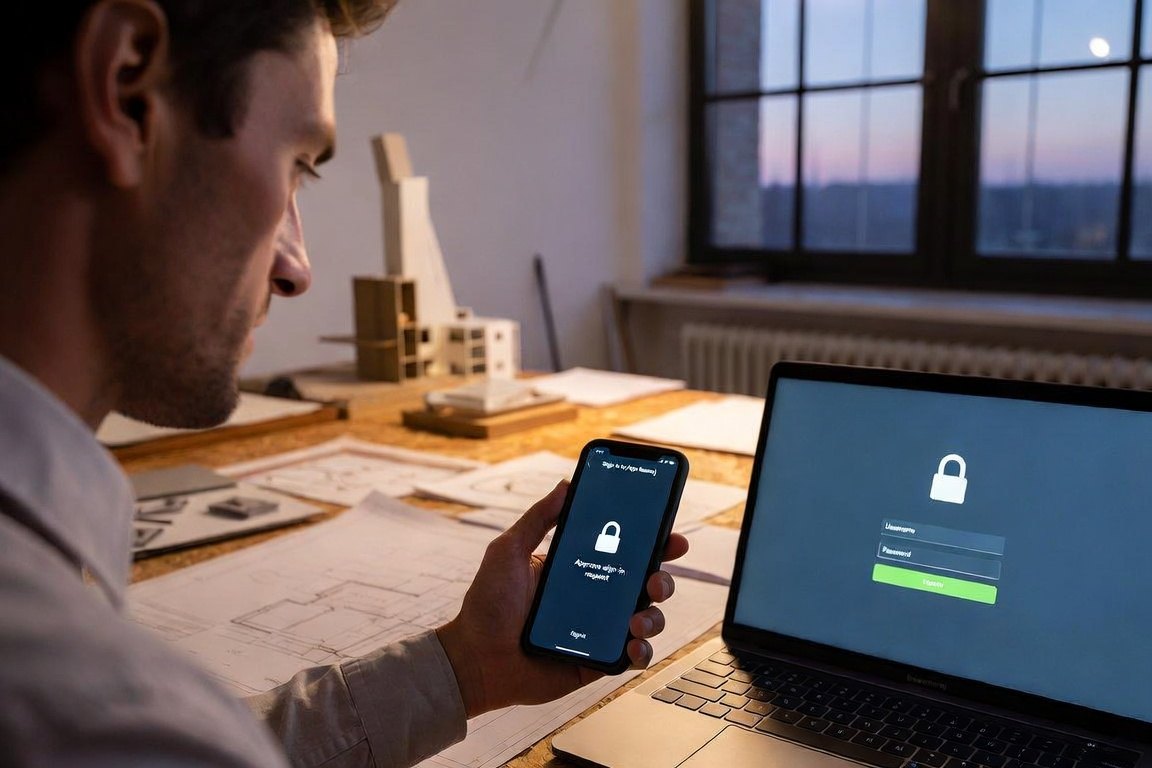
- Require multi-factor authentication on email, file sharing, accounting and remote access. Enforce it with settings, start with administrator and remote access accounts, and check for gaps whenever someone is hired or gets a new phone.
- Confirm every new or changed payment instruction by phone at a number from the contract or your records, with a second person approving.
- Patch the vulnerabilities attackers are already using. CISA's Known Exploited Vulnerabilities catalog comes first, and automatic updates go on wherever possible: laptops, phones, routers, firewalls and design software.
- Back up project files and accounting where ransomware cannot reach them. Keep one copy offline or unchangeable from an office computer, and restore a real project from it every quarter.
- Take away everyday administrator rights. Staff work in standard accounts, and one separate administrator account is used only to install plug-ins, drivers and updates.
- Ask whoever runs your email to set up SPF, DKIM and DMARC records, which make it harder to send mail that appears to come from your firm.
- Block automatic forwarding of email to outside addresses.
- Keep seal and signature files where only the licensed professional can open them.
- Write a one-page incident plan with your bank's fraud line, your insurer's breach line, your IT contact and ic3.gov. Print it, because ransomware can lock your files.
- Ask your broker whether your professional liability policy excludes cyber events, and whether you carry coverage for funds transfer fraud and ransomware.
A synced folder is not a backup
OneDrive, Dropbox and cloud model workspaces copy changes from office computers. If ransomware encrypts or deletes files on one computer, the synced copies change too. A backup has to be offline or set so it cannot be changed or deleted from an office computer.
Free places to start
- CISA's Cyber Essentials, written for leaders of small businesses and small local governments.
- CISA's small business page at cisa.gov/small-business, which breaks the same steps out by role.
- The FBI's ic3.gov, where fraud and attacks are reported.
Sources: FBI Internet Crime Complaint Center, 2025 Internet Crime Report. Verizon, 2025 Data Breach Investigations Report, SMB snapshot. Coalition, 2026 Cyber Claims Report. CISA, Cyber Essentials and cisa.gov/small-business.
Questions
Is a synced cloud folder a backup?
No. If ransomware encrypts or deletes files on a computer, a synced folder copies that damage. Keep a backup that is offline or cannot be changed from an office computer, and test a restore every quarter.
Should staff have administrator rights on their computers?
Day to day, no. Give staff standard accounts and keep one separate administrator account for installing software.
Where can a small firm get free cybersecurity guidance?
CISA publishes Cyber Essentials and a small business page at cisa.gov/small-business. Fraud and attacks are reported to the FBI at ic3.gov.